Marketplace

Selling on Decathlon – Structured Product Data for Reliable Listings

With Channel Pilot Pro, you prepare product data for Decathlon channel-specifically, ensure complete attributes, and automatically synchronize prices and inventory – for fewer inquiries, fewer errors, and more speed.

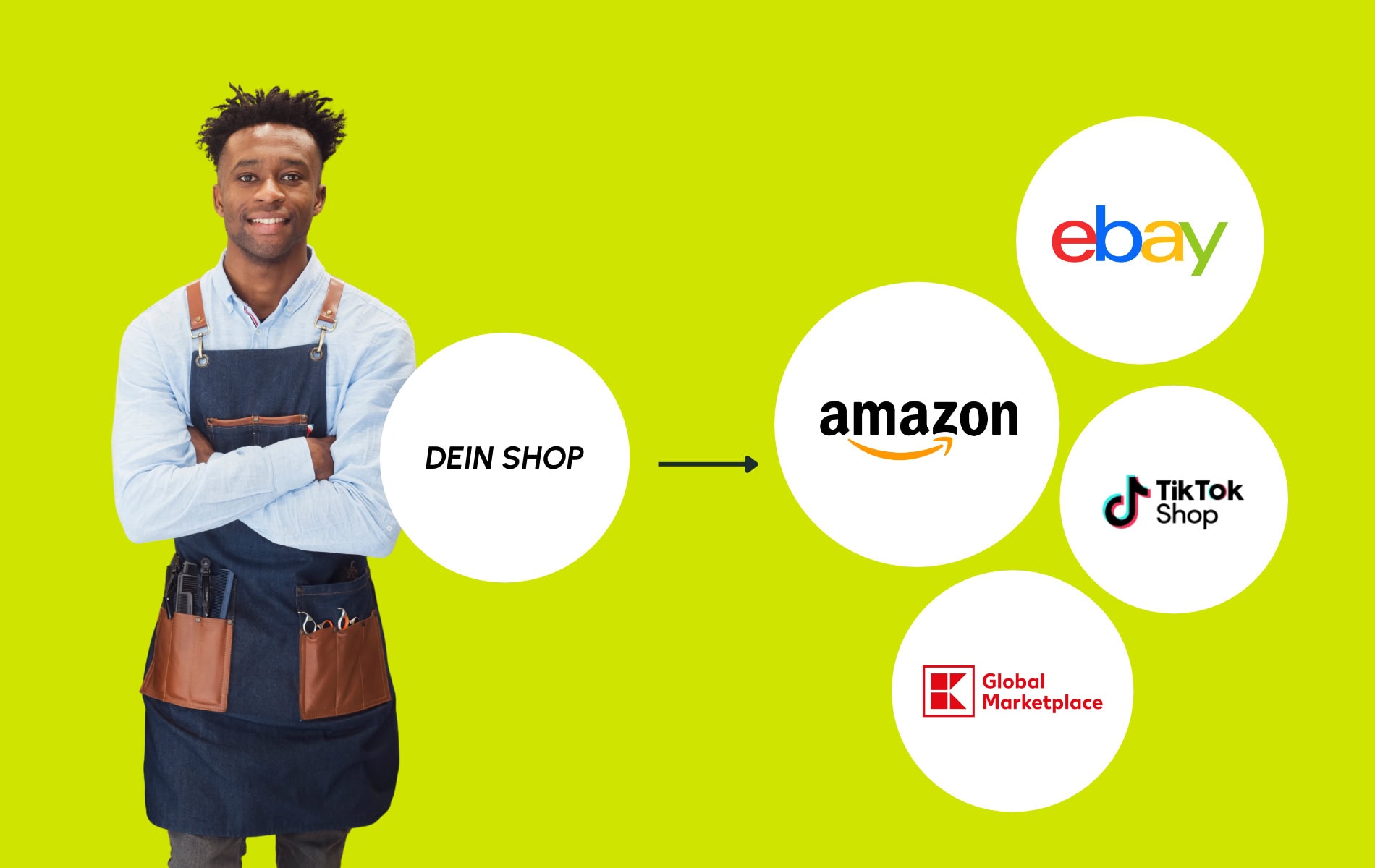
Graphic for Decathlon Integration: Product data feed is transferred to Decathlon via Channel Pilot Solutions.

Numbers that speak for themselves

  • 1.2+ billion.

    Products sold per year by Decathlon

  • 3.6 million.

    active online customers

  • 200+

    active trading partners worldwide

Woman reading a book at a desk in a modern office.

Why sell on Decathlon

For sports enthusiasts – with potential for international growth

Decathlon is one of the largest and fastest-growing sports retailers in Europe. Through its e-commerce channels, you can achieve a broad reach and engage active sports enthusiasts with clear purchase intent. With its focus on sports and customer proximity, Decathlon stands for quality and innovation – an environment in which brands can build trust and position products convincingly.

How to sell on Decathlon

Sell products on Decathlon in six steps

Success at Decathlon depends on clean product data, correct categories, regular product updates, reliable pricing and inventory logic, and stable order management. Channel Pilot Pro automates these steps and ensures high listing quality – the foundation for visibility and conversion.

  • Connect Decathlon account

    Register with Decathlon and establish the connection to Channel Pilot Pro via a secure login. This creates the technical basis for automated exports, updates, order imports, and order status updates.

  • Import Product Catalog

    Import your product catalog from your online store, PIM, or ERP system. Titles, descriptions, prices, variant-defining attributes, images, and inventory information form the foundation for high-quality product data on Decathlon.

  • Assign categories and attributes

    Assign your categories and products to the appropriate categories. You can do this centrally at the category level or specifically per.

    At the same time, you are laying the groundwork for category-specific exports. Once the category is set up, you can add or edit attributes per category in the export – and see directly which fields are mandatory and which are recommended.

  • Set up and validate Decathlon feed

    Organize your Decathlon feed data neatly, including mandatory and recommended attributes. To ensure the data meets the requirements of the marketplace, you can quickly optimize it using our AI form generator. Channel Pilot Pro then checks your data export and helps you identify and fix listing issues early on.

    Because Decathlon has an offer update, you can update prices and stock particularly quickly – without having to reestablish your listing structure each time.

  • Perform test listings & functional checks

    Verify the correct transfer of prices, stock levels, variants, and product information in the merchant portal. Check sample listings, processes, and order workflows.

  • Go-Live & Automatic Update

    Turn on your Decathlon channel live. Channel Pilot Pro automatically updates inventory, prices, and variants – for stable performance and scalable sales.

The man with glasses and a yellow lanyard at a trade show or conference.
Man with glasses and a friendly smile, wearing a black t-shirt with the Channel Pilot Pro logo.

Jan

Lead Marketplace

OMR Reviews Leader

259 reviews at OMR with 5 stars

Ready for the next step?

Request your personal demo now or get individual advice. We will show you how Channel Pilot Pro simplifies your e-commerce processes.

  • Man in a dark t-shirt that reads "Channel Pilot Pro" is smiling kindly.
  • Smiling man wearing a black t-shirt with "Channel Pilot Pro" printed on it.
  • Portrait of a man with glasses and a beard, wearing a black t-shirt with the lettering "Channel Pilot Pro".
  • Man wears a black t-shirt with a Channel Pilot Pro logo.