Jan
How can I connect my online store to multiple marketplaces?
Just a few years ago, consumers specifically targeted individual shops to shop there. Today, that is no longer the rule: According to a Study by IFH Media Analytics and Media Central Almost 60 percent of consumers plan their purchases actively or compare different offers in advance.
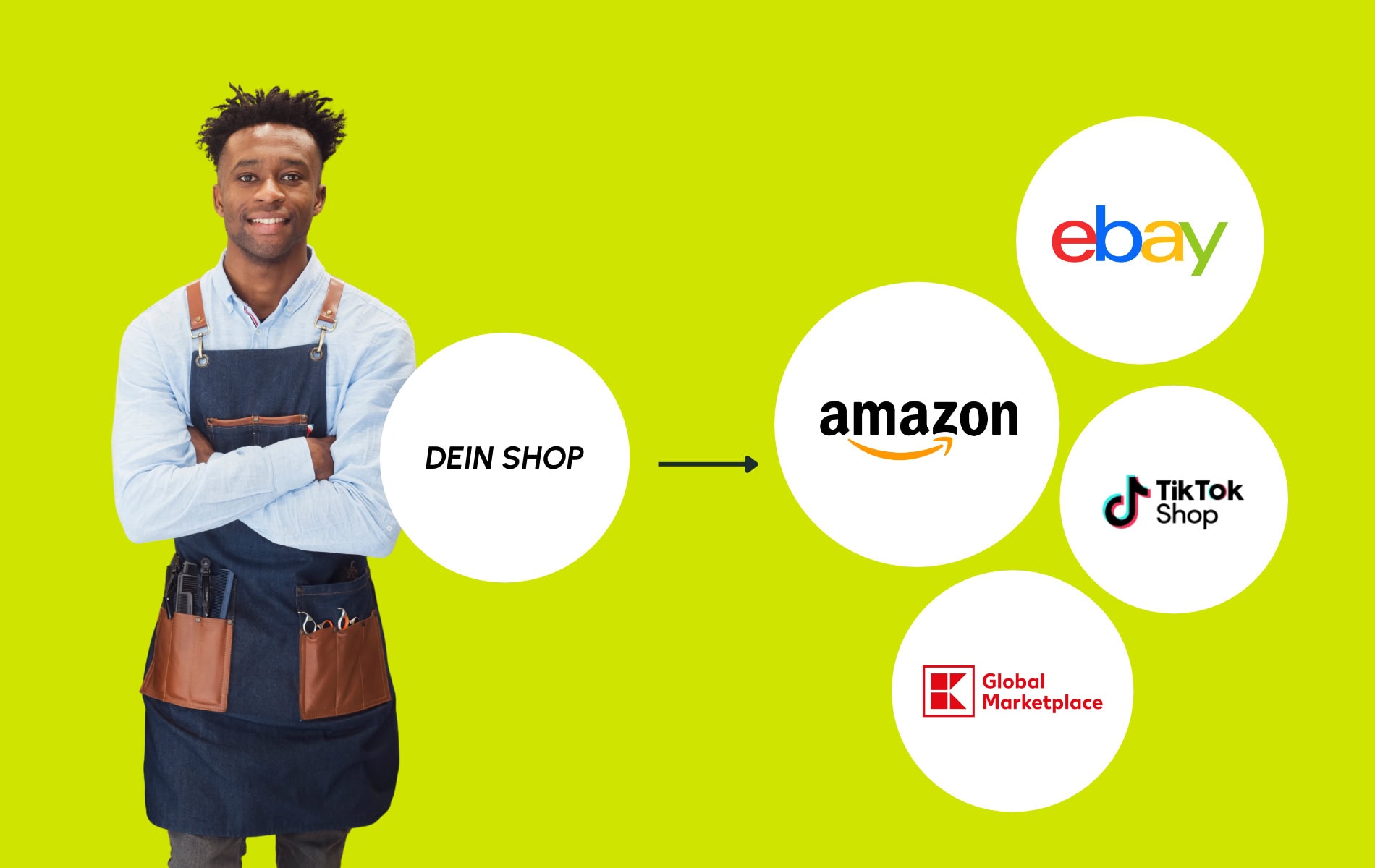
For online retailers, this means: Anyone who wants to reach potential customers should be present where products are searched for and offers are compared. Often, therefore, no path leads past multiple marketplaces.
But how do you connect your online store to different platforms? What technical requirements do you need? And which solution is worth considering for your company? We answer the most important questions about marketplace integration and show you what you should pay attention to during implementation.
Which connectivity solution fits your online store?
To connect your online store to multiple marketplaces, you first need the right tool. However, not every connection solution is suitable for every merchant. Which one is the right one depends, among other things, on how many marketplaces you want to operate, how large your product range is, and which processes should be automated. The following overview shows you the five most common options and their respective advantages and disadvantages.
| Option | How it works | Effort | Automation | Costs | It fits if… |
|---|---|---|---|---|---|
| Manual connection in the marketplace’s merchant portal | You upload products via a form or CSV in the marketplace backend | High, must be done separately for each marketplace | Low | No license, but a lot of work time | You currently have and in the future will only have one marketplace and a very small range of products. |
| Custom interface | You let a custom connection (API interface) be developed between your shop and each individual marketplace | High, development and maintenance of each marketplace | High | Development and maintenance costs | You have a lot of IT capacity and only a few marketplaces |
| Native app of the shop system | Your shopping system offers official interfaces for individual marketplaces through its app store (for example, with Shopify). | Mild to moderate | Medium | Different depending on the app | You connect one to two marketplaces that your shopping system supports directly |
| Individual plugins or connectors | An extension connects your shopping system to a specific platform | Medium | Medium | Fee per extension | Your shopping system covers the desired marketplaces |
| Central multichannel solution such as Channel Pilot Pro | Specialized software connects your shop, ERP or PIM system with many marketplaces and prepares product data, prices and orders for each channel. | Set it up once, then map it to each marketplace | High | By scope and channel mix | You manage several marketplaces or want to grow |
Which Technical requirements Do I need it to connect my online store to marketplaces?
You need two things: a data source, i.e., a compatible feed from your shop, ERP, or PIM system, and an active seller account per marketplace. To top it all off, you need clean Optimized product data, Because their quality determines how smoothly the start goes.
Which marketplaces should you sell on?
Which marketplaces are best suited for your products depends on your product range and your target audience. Major marketplaces like Amazon, eBay, and OTTO Market offer a wide range of products from a wide variety of categories. In addition, there are specialized platforms that focus on specific product groups: Zalando, for example, is focused on fashion, MediaMarkt and Saturn on technology and electronics. Our guide „Overview of the Main Suppliers, Their Importance, and Special Features for Selling" provides you with an overview of the most important providers, their significance, and the specific features for selling.„The largest marketplaces in Germany“.
How can I purchase products on several marketplaces sell?
You sell on multiple marketplaces by keeping your product data clean and automatically publishing it to all marketplaces. Orders, inventory, and returns then flow back into your shop or ERP system via the same connection. This takes eight steps.
- Setting goals and market places: This is where your preliminary research comes into play: Which customers do you want to reach and which marketplaces are suitable for your product range?
- Opening accounts: Register with the selected marketplaces and apply to be enabled as a merchant.
- Connect data source: Connect your shop, ERP or PIM system with your connection solution via a plugin, interface (API) or data feed.
- Prepare product data: Complete the required fields, titles, images, and attributes as the marketplace requires.
- Assign categories: Organize your categories according to those of the marketplace, because everyone has their own category system.
- Testing with a few products: Actively switch on a small selection of products, check for any errors and place a test order. Be sure to include billing information, status messages such as „shipped,“ and the return process.
- Compare inventory, prices and orders: Keep everything in one place so that it is automatically distributed to all marketplaces. Orders, payment details, and returns are routed back to your shop or ERP system and from there to your accounting department.
- Evaluate and expand: Look at the performance per marketplace and then add more marketplaces after that.
The more marketplaces you connect to, the more important it becomes to centrally manage your product data and orders. Because what used to work manually with just a few channels quickly becomes cluttered with increasing product variety. A multichannel solution like Channel Pilot Pro can automate much of the process here. This brings you:
- 180+ marketplaces, National and international: This way you can grow without having to start from scratch for every new channel. The integrated order management works in both directions and reconciles orders, returns, and inventory.
- Pre-engineered interfaces: For common shop, ERP, and PIM systems, such as Shopware, Shopify, WooCommerce, Magento Commerce, and more. This will make starting up easier for you.
- Secure data: The hosting is GDPR-compliant and is located in the EU.
- Personal onboarding: Our e-commerce experts will work with you to determine which platforms offer the greatest leverage.
Would you like to see what that looks like for your product range?
How do orders, returns, and inventory flow across multiple marketplaces?
They run over a bidirectional connection: You transfer product data to the marketplace, and orders, returns, and inventory flow back into your shop or ERP system. Without a return process, you have to manually transfer each order.
What matters is the stock. If a product sells on eBay, it must also be listed as sold out or out of stock immediately on Amazon and in the store. Otherwise, overstocking will occur. If you sell in your own shop and on several marketplaces, any changes to inventory should be reflected everywhere. Additionally, two settings can help:
- Storage buffer: You reserve a portion of the inventory and avoid overstocking.
- Export exclusions: You take individual items from specific marketplaces, for example, own brands or promotional items.
Can I offer different prices on multiple marketplaces?
Yes, you can set different selling prices for the same product on different marketplaces. This can even make sense, because costs and fees vary depending on the platform. For example, while higher selling commissions apply on one marketplace, additional costs for shipping or certain services may apply on another.
With different prices, you can factor these costs into your calculation and secure the margin you desire per sales channel. The competitive landscape can also play a role: In a particularly price-sensitive marketplace, you might want to offer cheaper prices than in your own online store.
The important thing is that you can manage prices centrally and set up your own pricing rules for each marketplace. This way, changes are automatically transferred to the respective sales channels, and you don't have to adjust each price individually. For more information about Dynamic Pricing, see here.
Further questions regarding the marketplace connection
Start with one to three marketplaces that fit your target audience and product range. Expand only when data, the ordering process, and returns are running smoothly. There is no fixed number. What matters is that you can reliably process orders, inventory, and error messages per marketplace.
No. You need a data source with a compatible feed, i.e. a shop system, ERP or PIM. There are plugins for Shopware, Shopify, WooCommerce, Magento Commerce, OXID eShop, PrestaShop and xt:Commerce. Alternatively, you can connect your system via API or data feed.
No. That AI Category Mapping by Channel Pilot Pro, your existing categories automatically assign the appropriate categories from the marketplace. If fine-tuning is necessary, you can adjust them manually at any time. This way, you can further maintain your categories in a structured manner..
Jan
Lead Marketplace
Jan combines sound marketplace experience with a strong understanding of brand management and sales. After several years in brand and sales management, he moved into the marketplace sector and has since been helping retailers and manufacturers successfully position their products on international platforms. At Channel Pilot Solutions, as Lead Marketplace, he is responsible for the further development of our marketplace portfolio and for consulting on technical processes, product data, and channel-specific requirements. His experience in various industries allows him to quickly identify the key levers for increased visibility and better performance.