Sophie
Feed management for small product catalogs: When it makes sense and which tool is suitable
If you sell 20 T-shirt models in four colors and five sizes each, you need to Stock for 400 variants Maintain it. That sounds doable at first—as long as you only sell through your own shop. Once you also offer the same shirts on a marketplace, it comes down to how quickly inventory changes there. If you sell the last black shirt in size M in your shop, it can still be ordered on the marketplace until the inventory is updated there.
Whether you need a feed management tool depends on how many channels you operate, how often prices and stock change, and what data you need to manually adjust regularly. We show you when an export from your shop system is sufficient – or not – and what you should pay attention to when comparing feed management tools.

When does the export from the shop run out?
If you promote your T-shirts on a shopping channel like Google Shopping, exporting from your shopping system may be sufficient. What is crucial is whether the channel imports every variant with the necessary information and whether changes are visible in the product listing in time.
In the Google Merchant Center, check the product data for your black shirt in size M. Are the image, price, and availability correct? Also, open the linked product page and check if the appropriate variant is selected there.
Then test with a suitable test article when the changed availability arrives in the Merchant Center. Don't just look at the export file: It may already be current while Google is still processing the change. A visible shopping ad alone is not a reliable indicator of this.
If the data arrives reliably and you hardly have to manually adjust it for the channel, you can stay with the shop export. However, if you add color and size in the titles for each export or keep ordering the same products into the appropriate categories again and again, a feed management tool can take over this task with fixed rules.
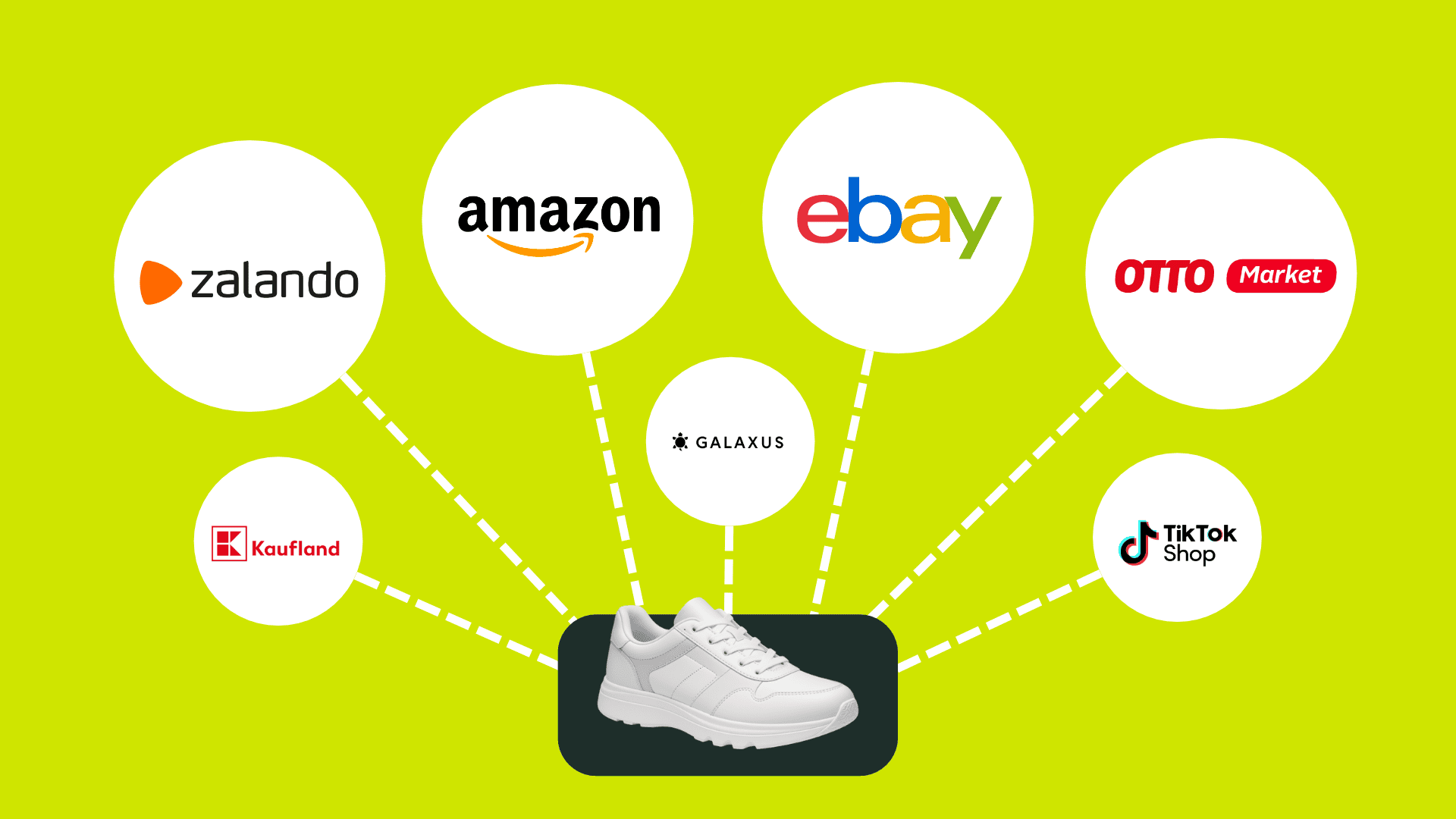
Important: If you also shop on a marketplace like Amazon or TikTok Selling products is not enough; you must also check the product data that has been transmitted. A product feed does not automatically send orders back to your shop; for that, you need a suitable Marketplace connection. Therefore, please additionally test: Does an order arrive in the shop or ERP? Is the inventory adjusted there and subsequently updated in the other sales channels?
When does the introductory price of a feed management tool expire?
Let’s say you choose a feed management tool because you manually customize titles and categories for your shopping channels on a regular basis. A starter plan for up to 1000 items sounds generous for your 400 T-shirt variants. However, whether it’s enough for you also depends on:, how many feeds you can create and how often they are updated.
If you maintain a shopping feed and your prices and inventory rarely change, a daily update may be sufficient. Things are different if an advertised price ends at noon and the feed is not updated again until the next morning.
Without the action ending being submitted in time, the offer price may still be displayed on the shopping channel, while the regular price will already apply in the shop. However, with Google Shopping, the action end can be set in advance via the attribute sale_price_effective_date Therefore, check how your setup processes planned price changes.
The number of feeds can also change, although your product range remains the same. Would you like to add your shirts to the offer? selling in Switzerland and to do this, to offer a separate product selection with prices in francs, another country feed may be necessary. Therefore, when comparing tariffs, check:, how many variants and feeds the provider has and what update frequency is included. It is here that the providers’ introductory packages differ.
Which feed management tools are suitable for small product catalogs?
If you want to customize your 400 T-shirt variants primarily with titles, categories, and other product details for a few channels, a Tool with self-service features It fits well. For example, you can set up your own rule that attaches the color and size to the title and adjust it as needed. If you manage the feeds yourself, an introductory rate can be cheaper than a plan with ongoing support. Whether it’s worth it also depends on how much time your team needs for setup and maintenance.
| Tool | When it makes sense for your small catalog | What you should consider before making a decision |
|---|---|---|
| Channel Pilot Pro | For small and medium-sized retailers who want to maintain their shopping feeds in a self-service mode. You can assign data fields yourself and customize rules for each channel, for example to display a separate product selection with prices in Swiss francs for Switzerland. If additional countries or marketplaces are added or you want to control prices with dynamic pricing, you can display this in the same platform. | What feeds, countries, and marketplaces do you need to get started? In a personal conversation, we will jointly determine what support is included in the setup and how your package can be expanded to accommodate larger feeds. |
| DataFeedWatch | If you manage a few shopping or advertising feeds for a shop yourself. The shop plan includes 1,000 SKUs and three feeds; additional SKU capacity is available for an additional fee. | Is an automatic update per day sufficient for your price and inventory changes? |
| Channable | If you want to prepare product data yourself for your channels using feed templates. | Which package do you need for your articles, projects, and channels? Also check if you need additional modules. |
If your product feeds grow, you use more channels, or you need to update prices and inventory more frequently, a higher plan may be worth it. We’ll show you what additional requirements come with extensive feeds in the Guides on feed management for large product catalogs.
6 mistakes when choosing a feed management tool
- Just look at the maximum number of items
At the article boundary, you can see whether your catalog fits the tariff. Whether the tool fits its structure is shown during import. If your product data comes from the shop system and the inventory from the ERP system, have the tool show you how to combine both sources. With the black shirt in size M, you can check whether the inventory is actually assigned to this variant. - Only compare the price for the launch
Calculate two offers: one for your current channels and one for the next planned step, such as selling in Switzerland. Ask specifically whether another feed, an add-on module, or a tariff change would be necessary for this. This way, before making a decision, you’ll know what the expansion would cost you. - Undervalue the initial effort
When you import the first time, you’ll see which data arrives in the tool. Until it’s ready for release, you may still need to assign Shop fields to the target channel’s mandatory fields, group variants, and test price and inventory changes. Be clear beforehand about which tasks the provider will take on during setup and who will maintain the rules later. - Missing product data only discovered during display
If the target channel requires the material information, an absence of value should already be noticeable before the transmission. Let me show you whether you can immediately recognize it., Which variant is affected, which field is missing, and where you can correct it. If the information is already present in another data field, a rule can take over. If it is completely missing, you first need reliable information, such as from the manufacturer. This information is then added in the leading system or via an additional data source. A rule or AI should not be able to guess the material composition. - The demo with a sample catalog Uncheck
Take a representative selection of your own catalog. Choose a variant with a missing mandatory attribute, an item with an expired promotional price, and a product whose title you regularly customize for a channel. Let’s see how you edit these cases in the tool and what comes in next when you run the data feed on the target channel.
Then compare the remaining maintenance effort with what your team spends on it today. If your team is mostly using discount promotions to do a lot of work, consider running an action week as well. This way, you can weigh the expected time savings against the costs of setup, license, and ongoing support. - Test the process only up to the listing stage
Let the demo play through to see what happens when someone orders the last black shirt in size M on a marketplace. Check if the order arrives in the shop or ERP and when the variant appears as sold out on the other channels. Also ask where you see a failure when a transfer fails.
When is Channel Pilot Pro The right choice?
Channel Pilot Pro is a multichannel tool that combines feed management, marketplace integrations, and dynamic pricing in one system. You can prepare product data from your shop, ERP or PIM for different channels, replay marketplace orders into your system, and control prices according to your own rules.
For small and medium-sized retailers with a manageable catalog, self-service is particularly convenient. You can manage your feeds yourself, assign data fields and set rules for individual channels. If you want your T-shirts to display color and size in the shopping feed, you can create a rule once. It will also apply to new variants as soon as their details are available in the catalog.
You can start with the feeds you need today. If you later add a marketplace or sell a selection of your shirts in Switzerland, you can expand your package to include additional channels or countries. When connecting to the marketplace, you can also compare inventory with product data and transfer orders back into your shop or ERP system.
Which package suits your product range? During the conversation, we will review your catalog and target channels and determine which feeds you can manage yourself and where you need help setting them up.
Frequently asked questions about feed management tools for small batches
There is no fixed minimum number. Even with a few products, a tool can be worthwhile if you run many variants, serve multiple channels, or regularly manually customize the same data. With a stable product range and a well-functioning export, the maintenance effort can remain low even with significantly more items.
Yes, as long as your shopping system offers a suitable export without additional fees. Check whether a paid extension is required for this. Test several variants to see if mandatory fields, prices, and availability reach the target channel completely and changes are processed quickly enough. Here Find an overview of the supported shop systems and other ways to import your product data into Channel Pilot Pro.
For typical tasks such as field mappings or title adjustments, you don't need to write your own programs in Channel Pilot Pro. You work with templates and rules. The AI Formula Generator can also create formulas that are appropriate for everyday language – for example, to include brand and size in product titles. You should check the results: Which information your source data contains and what the target channel requires remains important. Technical support may be necessary for individual interfaces.
First, choose a channel and a manageable range of products. Check the data quality, updates, and actual maintenance effort. Channel Pilot Pro offers a personal demo where you can discuss your use cases.
Sophie
Content & Social Media Marketing Managerin
Sophie writes about e-commerce, digital retail, and everything related to marketplaces. She tracks trends, analyzes developments, and breaks down even complex topics in an easy-to-understand way. As a trained editor, she brings a keen sense of language, storytelling, and target audiences—and applies these skills today in content and social media marketing at Channel Pilot Solutions. When she’s not brainstorming new content ideas, she loses herself in a good TV series or works up a sweat exercising.